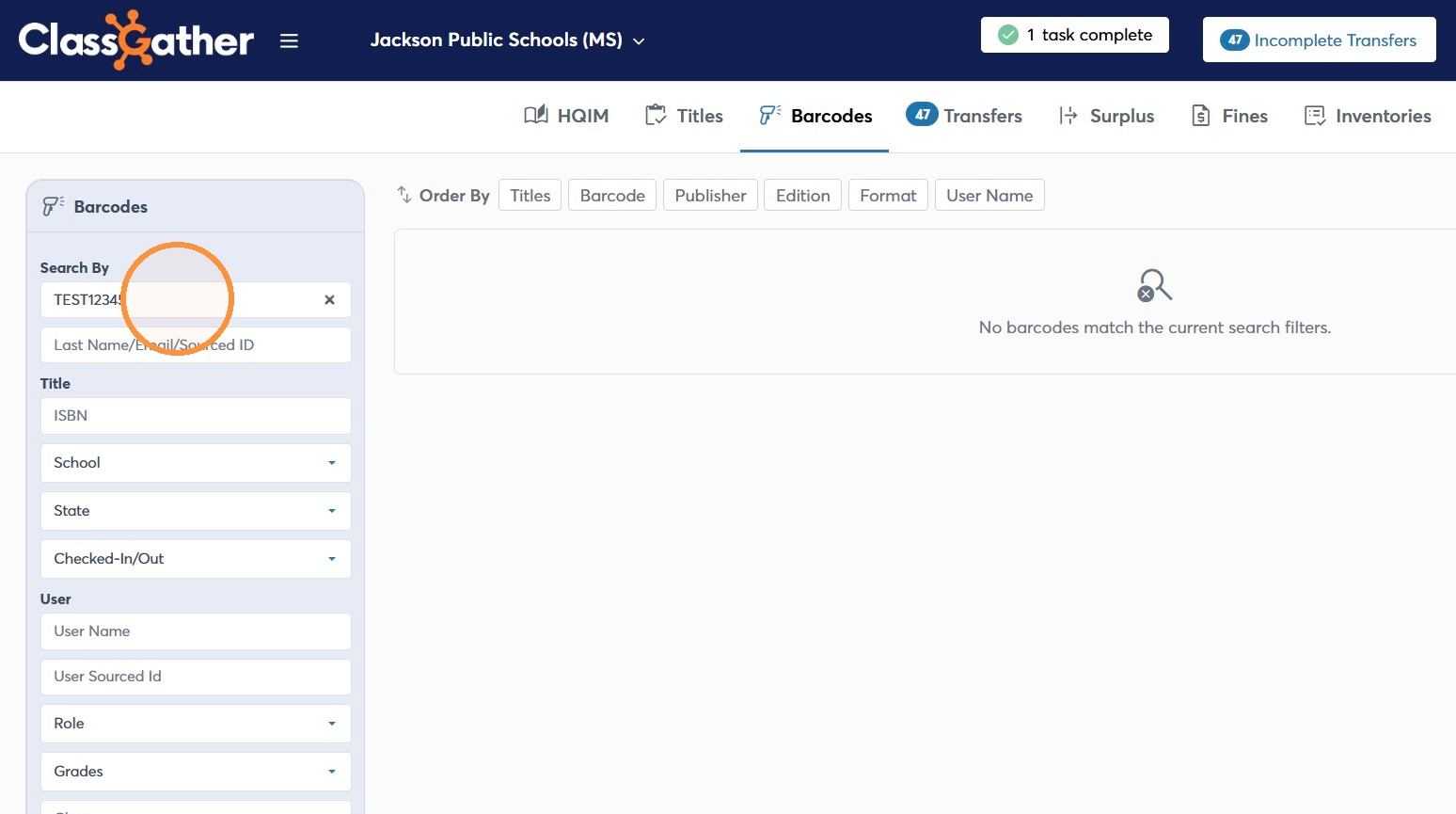
Learn how to efficiently locate specific barcodes in your system and update their information. This guide walks you through the search, edit, and save process to ensure your inventory data remains accurate in case you make a mistake inputting the information.
Click Here for a Video Walk-Through
Open Barcode Search
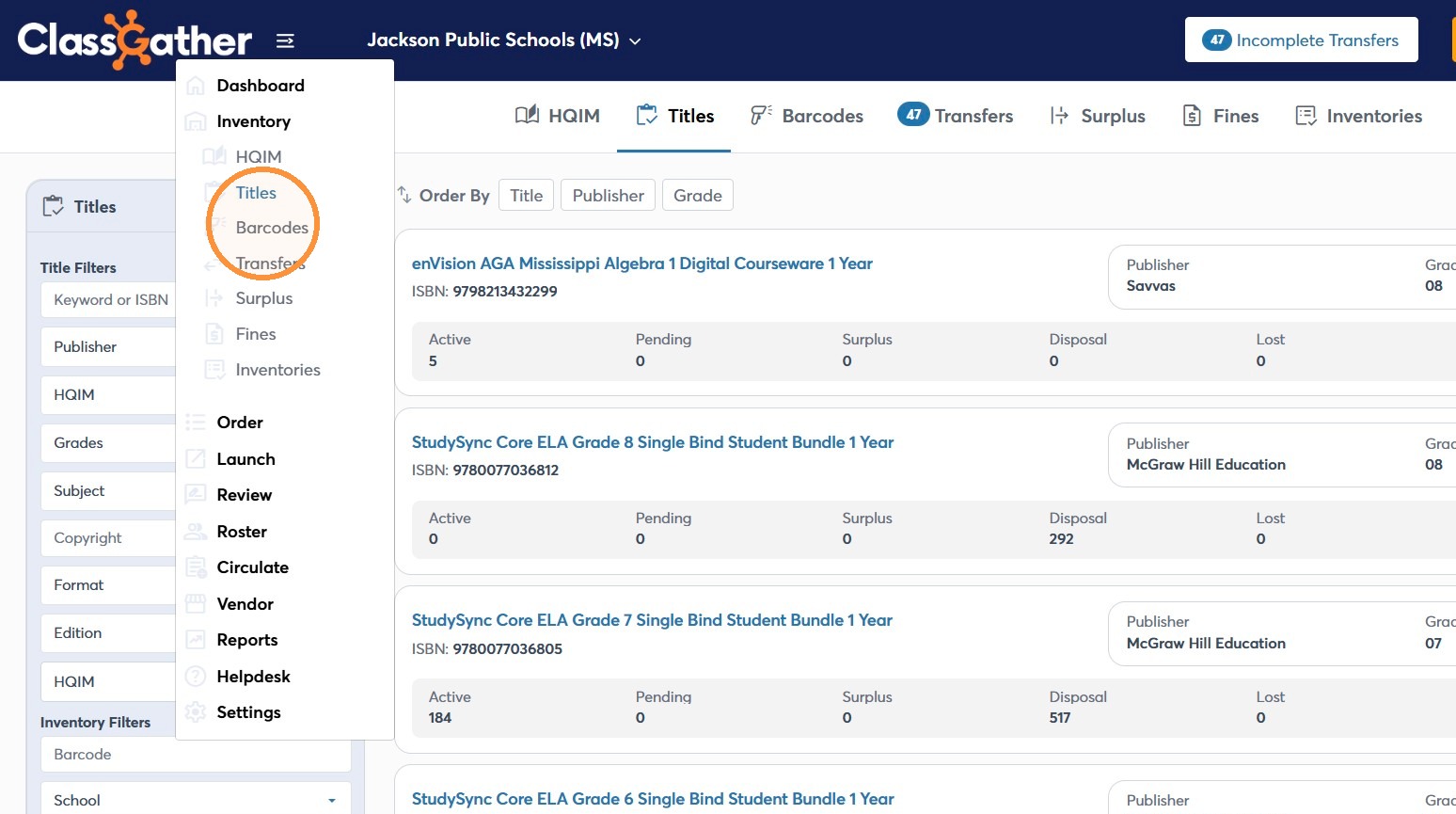
1. Under Inventory, Click Barcodes in the navigation menu.
Find the Barcode
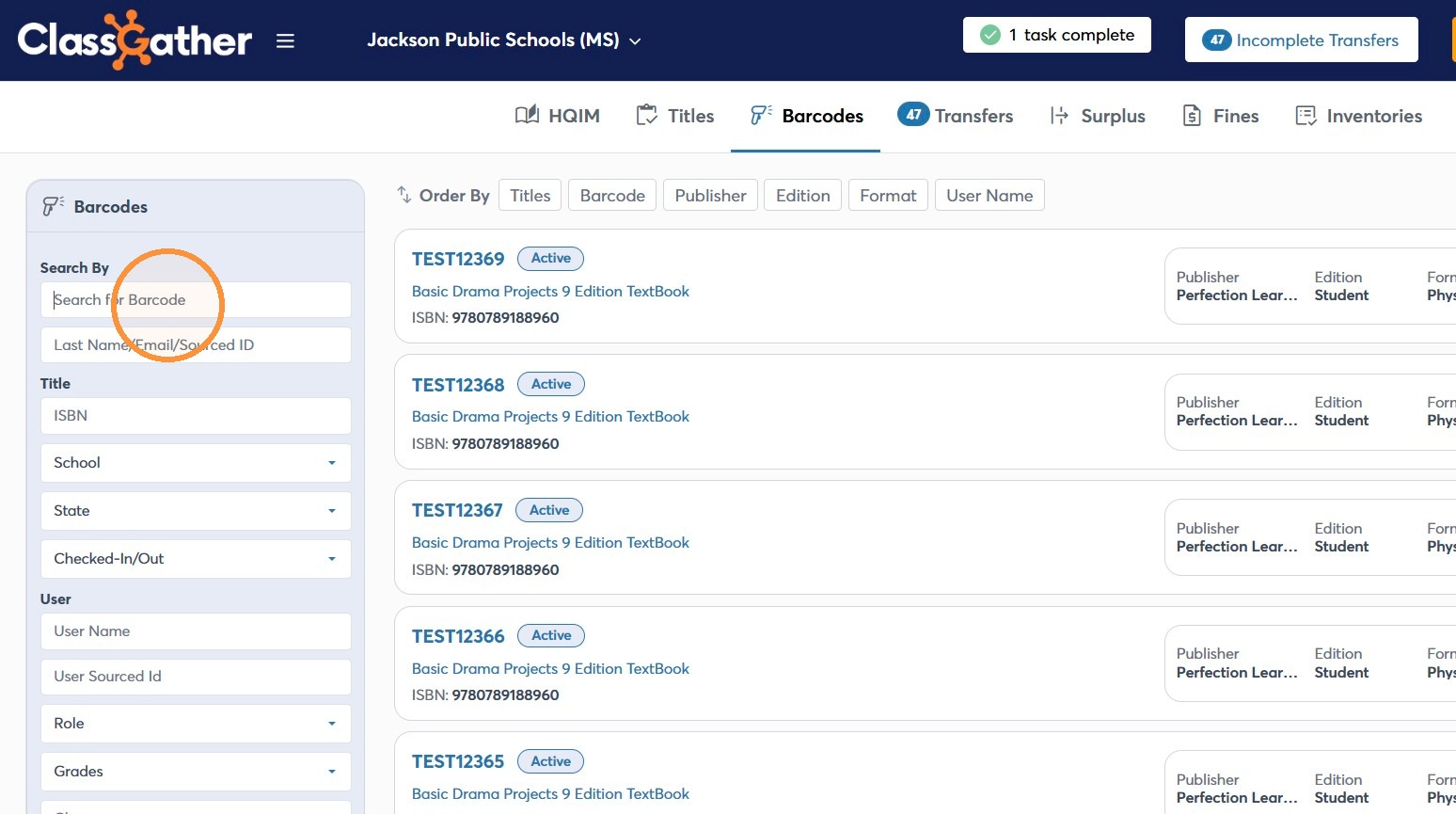
2. Click the Search for Barcode field.
3. Enter the Barcode you need to correct.
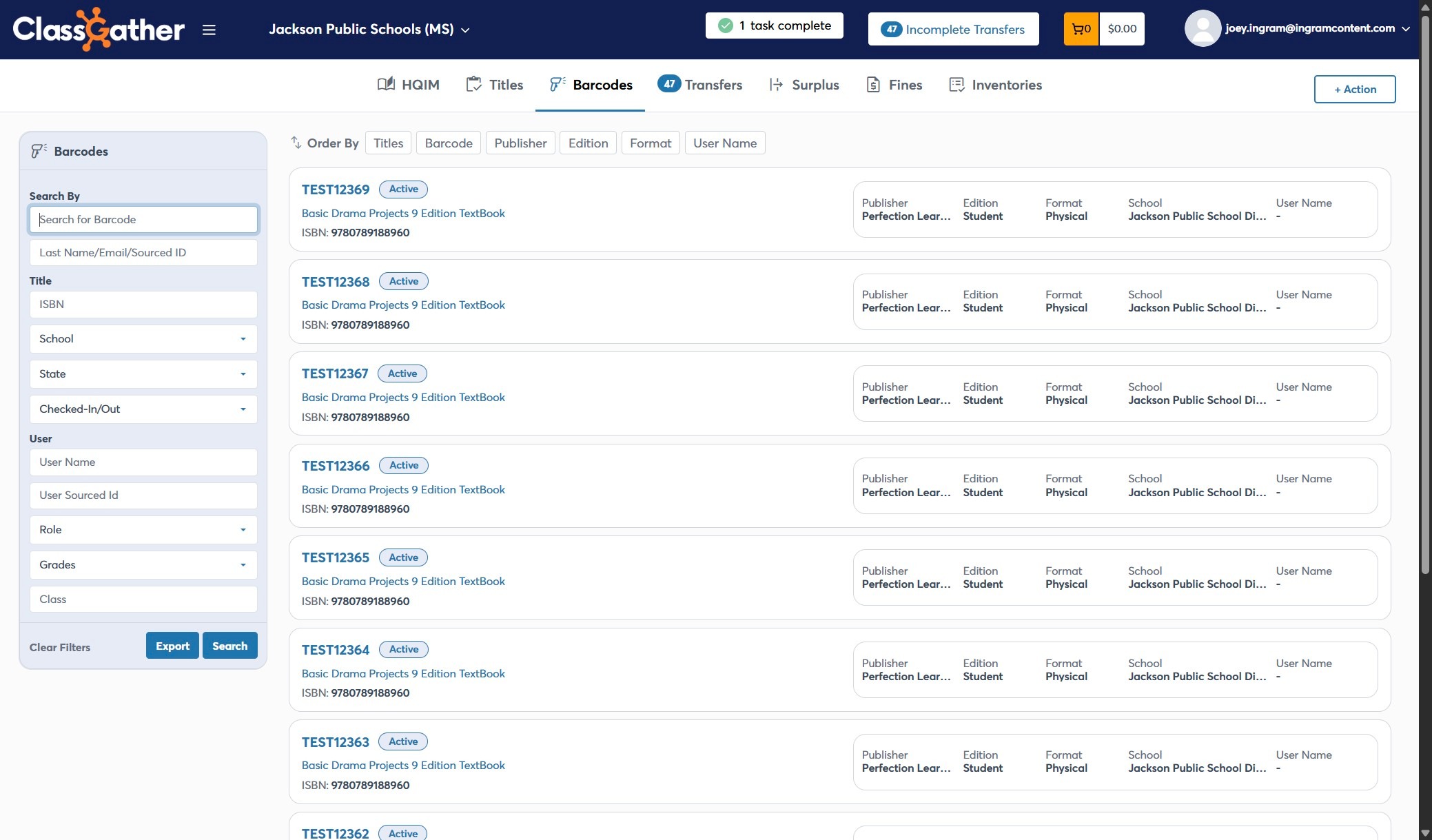
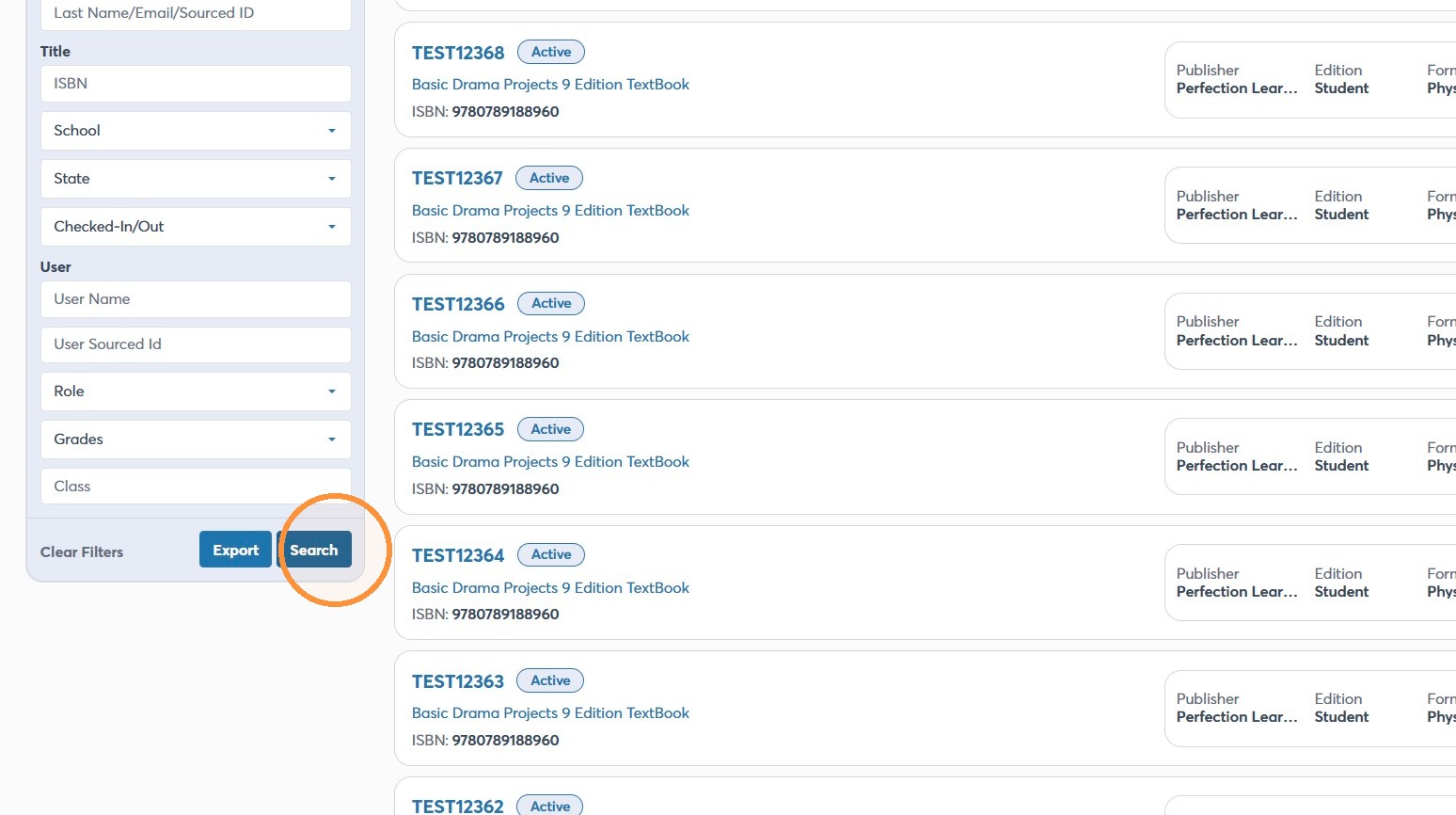
4. Click "Search"
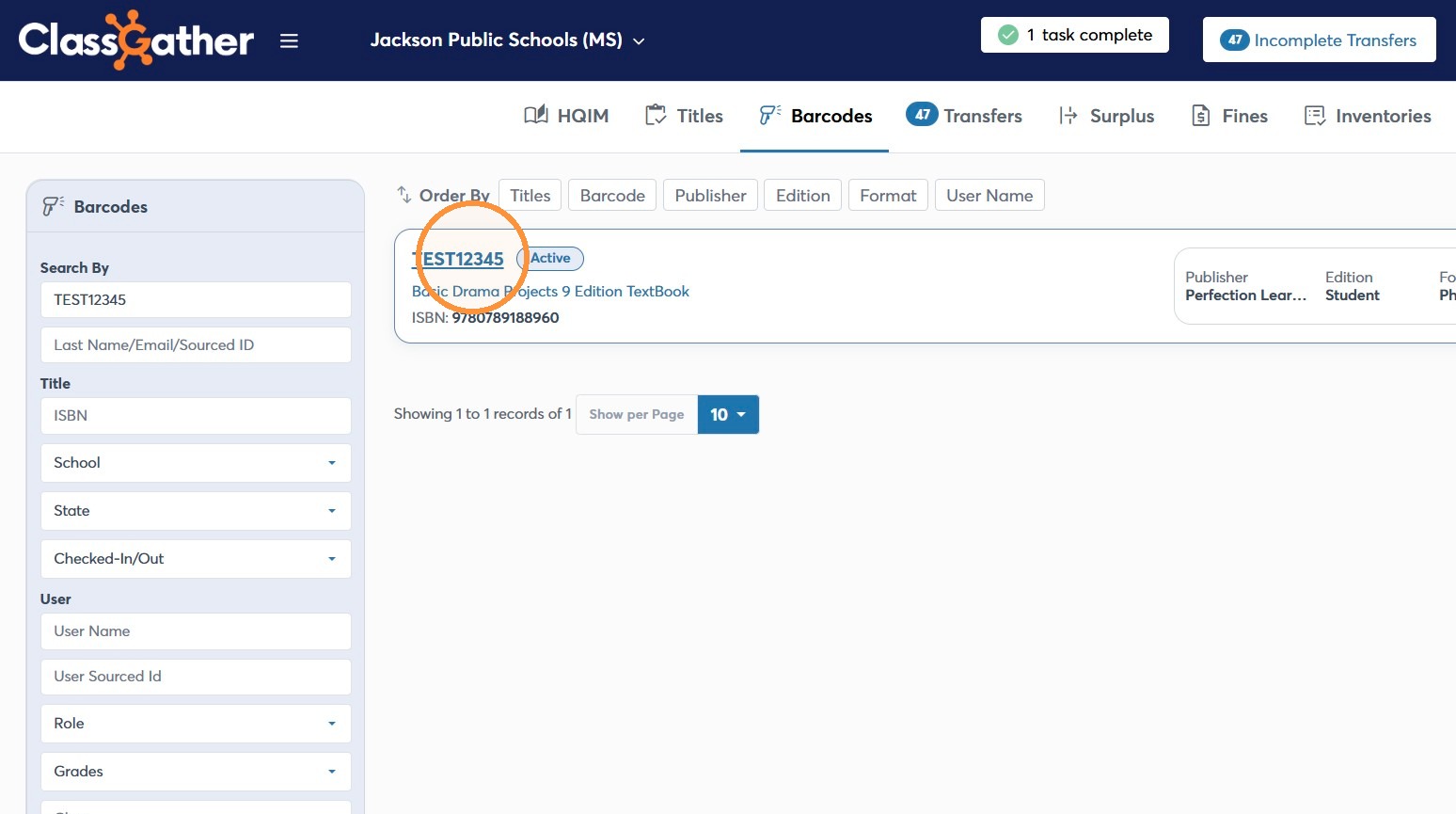
5. Click the matching barcode result.
Edit the Barcode
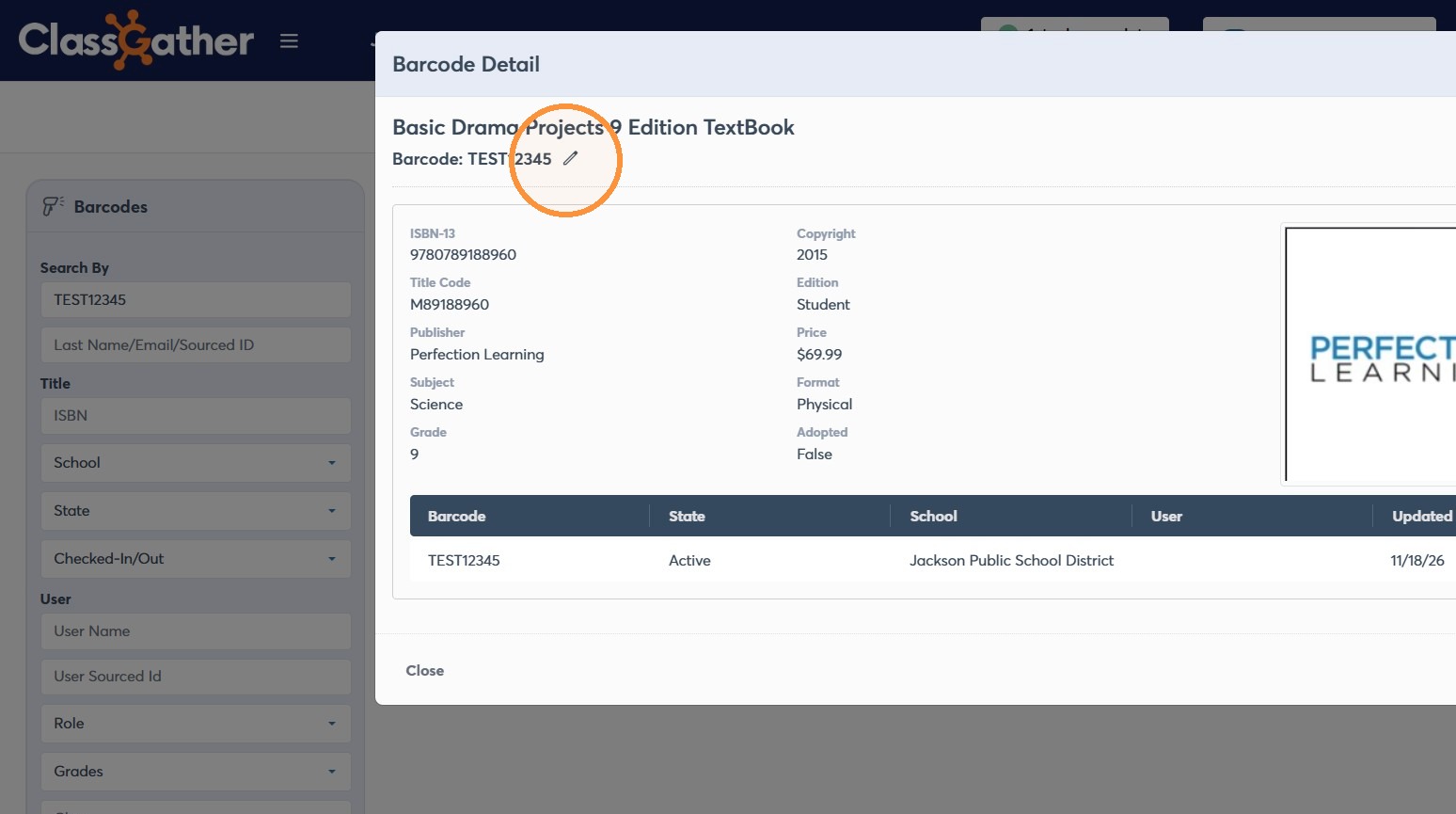
6. Click the edit icon for the barcode.
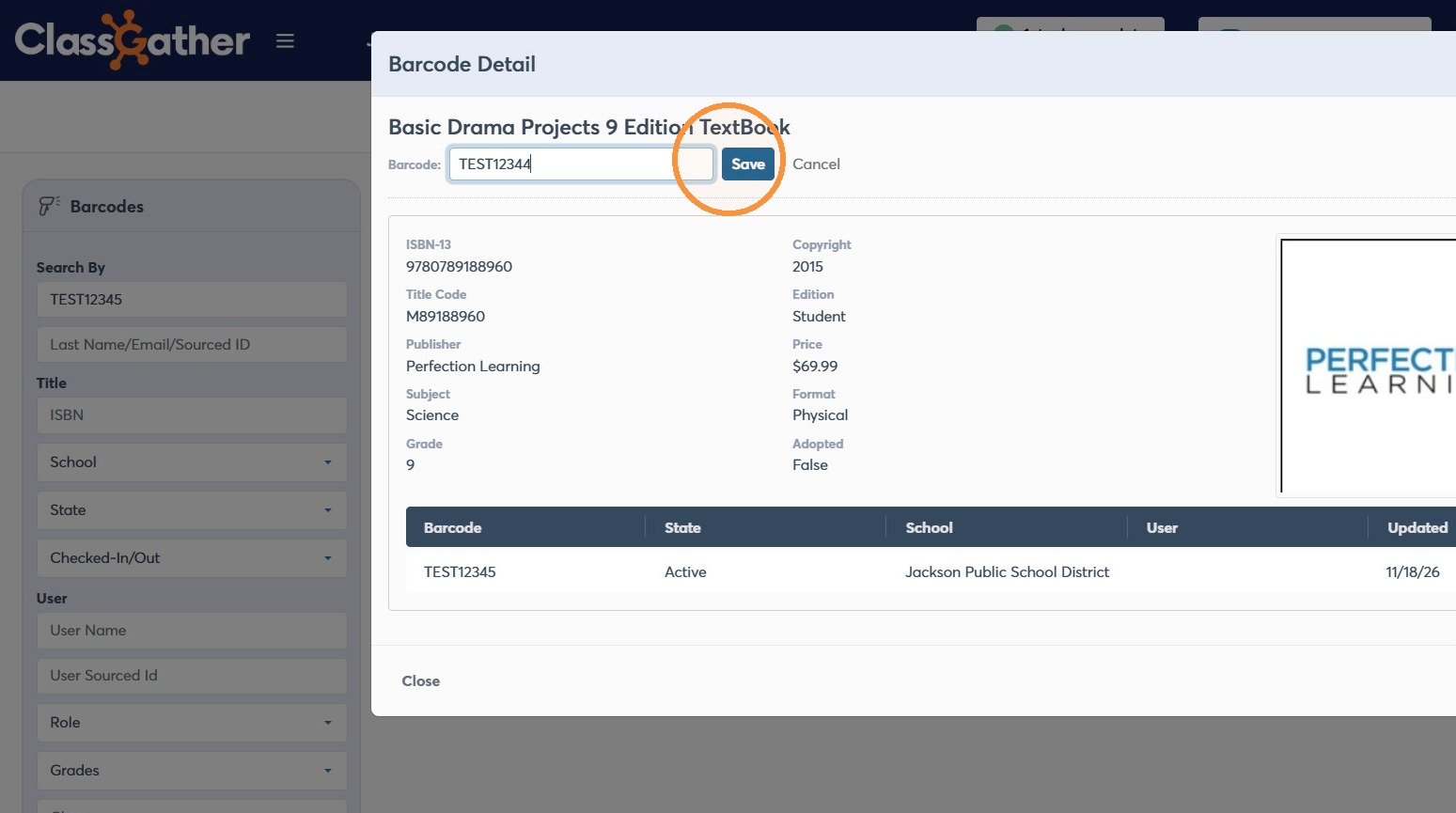
7. Update the Barcode field with the new barcode value.
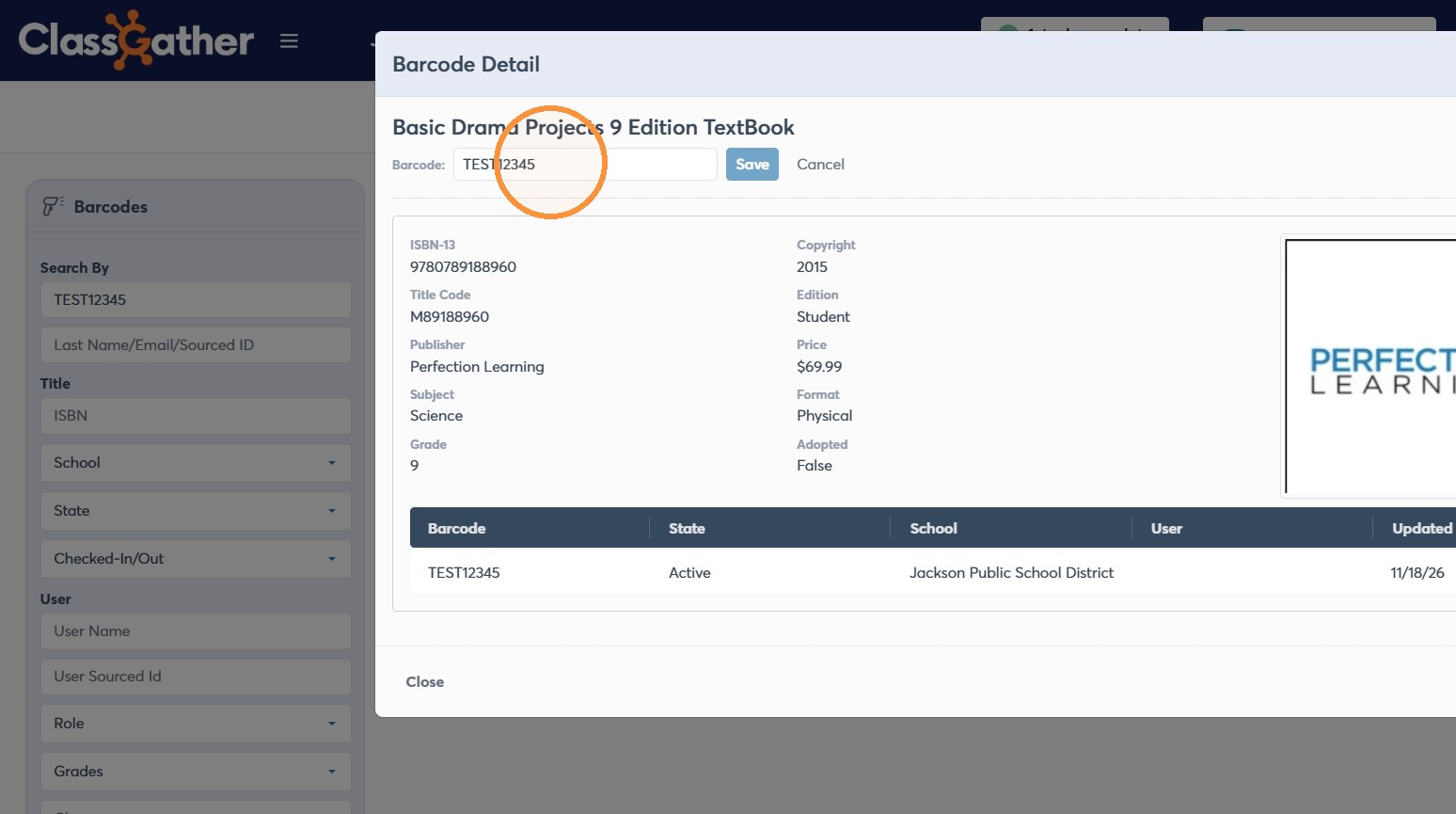
8. Click Save to apply the barcode change.
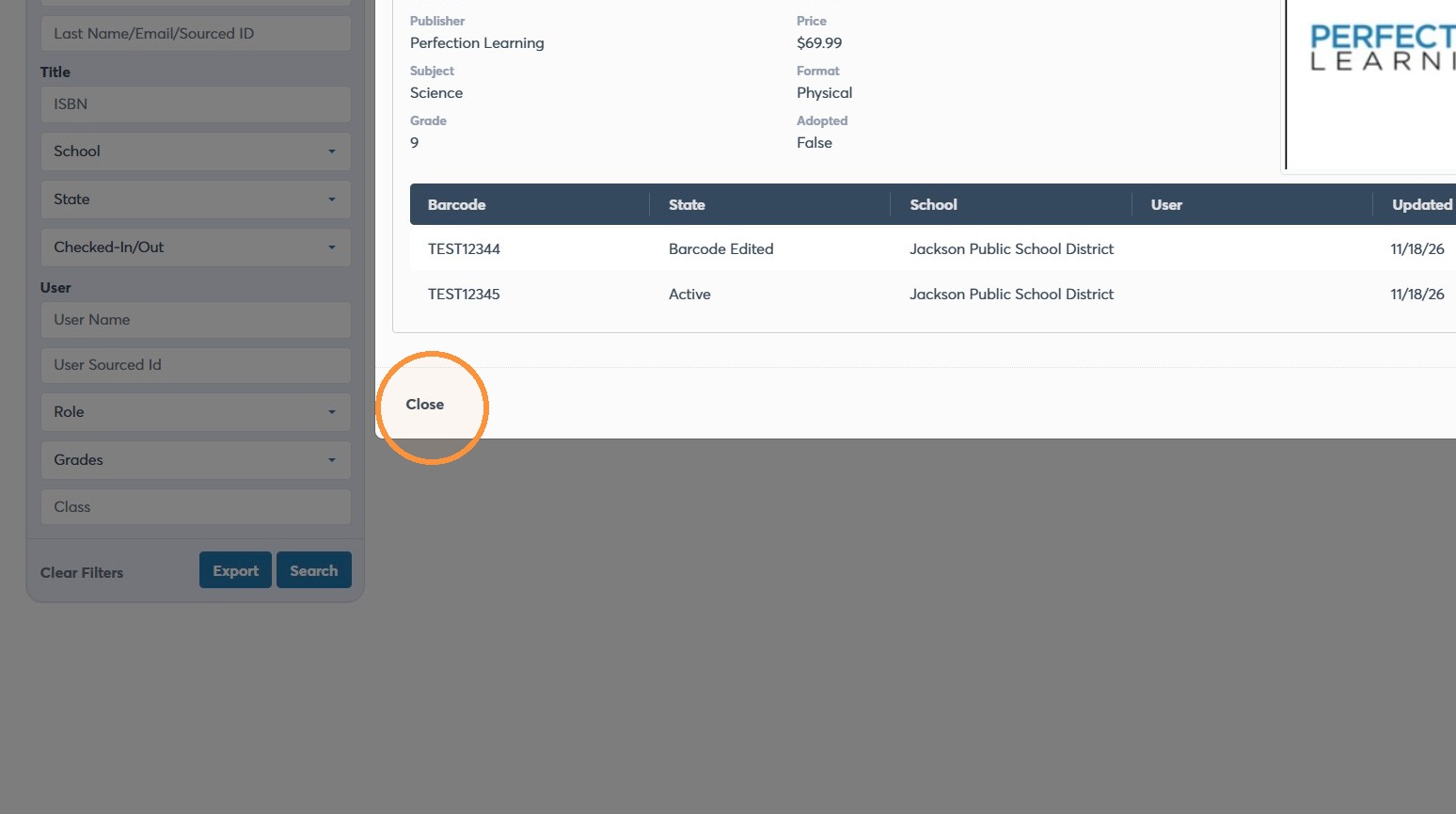
9. Click Close to exit the barcode details dialog.
Verify the Search
10. Edit the barcode search and submit the updated query to find the new barcode.